
Download Macromedia Flash 8 – Professional Animation, Video & Game Design Tool
Overview of Macromedia Flash 8
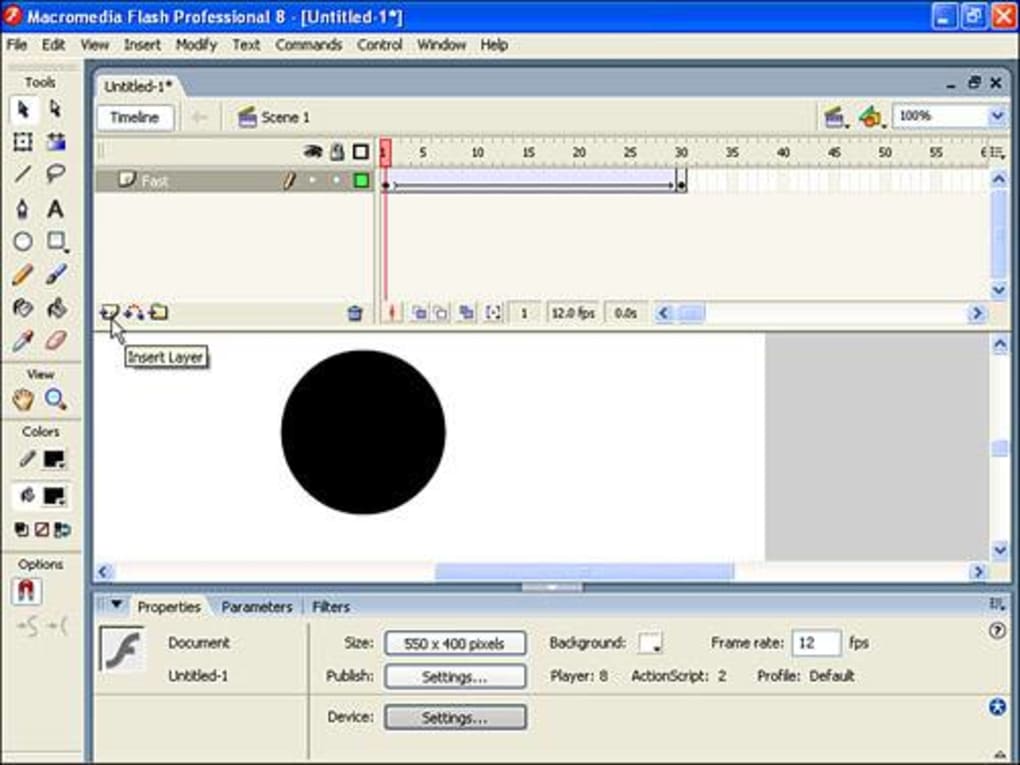
Macromedia Flash 8 is a legacy yet powerful graphic‑design platform that continues to attract web designers, animators, and game developers who need a flexible environment for creating cartoons, interactive videos, and rich‑media games. Launched as the successor to Flash MX 2004, Flash 8 refines the classic Flash workflow with a more intuitive video‑import wizard, expanded animation controls, and deeper integration with other Adobe tools such as Fireworks and Photoshop. The software packs a full suite of drawing tools, timeline‑based animation, vector‑to‑bitmap caching, 8‑bit alpha‑channel video support, and a Script Assist visual coding helper that eases the learning curve for newcomers. While the interface may feel dated compared with modern HTML5‑based editors, Flash 8 still delivers a robust set of features for creating engaging desktop and mobile experiences. Its extensive help files, online knowledge base, and active community forums provide a safety net for users who find the advanced capabilities a bit overwhelming. Whether you are a seasoned Flash veteran looking to revisit classic animation techniques or a beginner eager to explore vector‑based motion graphics, Macromedia Flash 8 offers a comprehensive, secure, and free‑to‑try environment that still holds relevance in niche creative pipelines.
Key Features and Capabilities
- Advanced Timeline & Animation Controls: Frame‑by‑frame and motion‑tweening tools, plus the ability to cache vectors as bitmaps for smoother playback.
- 8‑Bit Alpha‑Channel Video Support: Import video clips with transparent backgrounds, allowing seamless overlay of animated objects.
- New Runtime Blend Modes & Filters: Enhanced visual effects such as multiply, screen, overlay, and a library of Photoshop‑compatible filters.
- Script Assist Visual Interface: Drag‑and‑drop code blocks that generate ActionScript, ideal for beginners learning to script interactions.
- Cross‑Application Integration: Directly copy filters and layer styles from Adobe Fireworks and Photoshop for consistent branding.
- Improved Text Engine: Advanced typographic controls, kerning, and gradient fills for richer textual graphics.
- Video Import Wizard: Streamlined dialog that guides users through format conversion, compression, and embedding.
- Extensive Library of Pre‑Built Components: Buttons, navigation bars, and UI widgets that can be customized with ease.
- ActionScript 2.0 Support: Full scripting capabilities for interactive games, data‑driven animations, and complex user interfaces.
- Robust Help System & Online Community: Context‑sensitive help files, tutorials, and a free forum for troubleshooting.
Installation, Usage Instructions & Compatibility
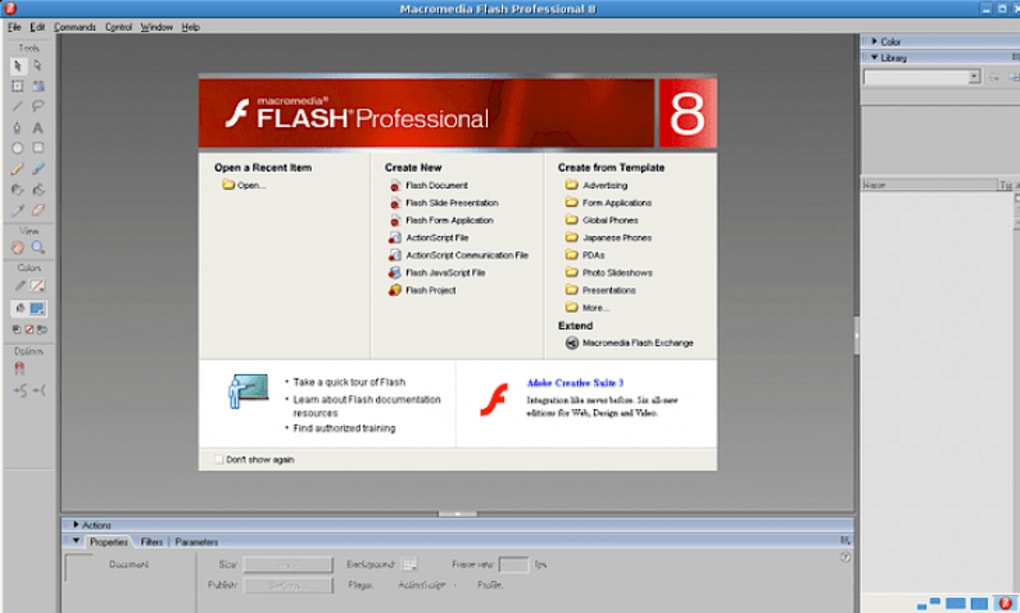
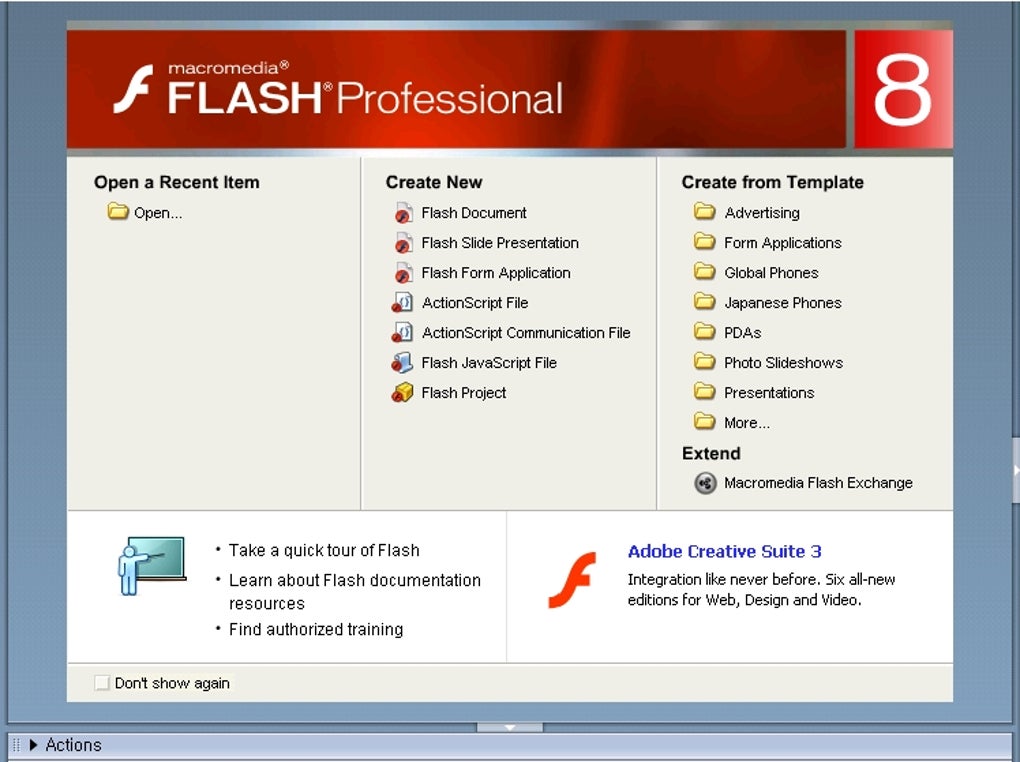
Downloading Macromedia Flash 8 is straightforward. Visit the official Adobe legacy download page, select the appropriate installer for your operating system, and follow the on‑screen prompts. The installer checks for required Windows libraries (DirectX, Visual C++ Redistributable) on Windows platforms and for QuickTime on older Mac OS X versions. Minimum system requirements include a 1 GHz processor, 256 MB RAM, and 200 MB of free disk space. Once installed, launch Flash 8 from the desktop shortcut or the Start menu. The first‑time launch presents a welcome dialog that offers to import preferences from earlier Flash versions, which can speed up the transition for existing users.
For new users, the Script Assist panel is the best starting point. Open a new document, choose a stage size, and then click the Script Assist button. From there, drag a “Button” component onto the stage, double‑click it, and select an action such as “on (release)”. The visual interface will generate the corresponding ActionScript code, which you can edit later for finer control. To import video, choose File → Import → Video, and the wizard will ask you to select a format, set compression options, and optionally enable the alpha channel. After importing, you can place the video on the timeline, apply filters, or mask it with vector shapes.
Flash 8 runs on Windows XP, Windows Vista, and Windows 7 (32‑bit) as well as Mac OS X 10.2–10.4. Although the software predates modern 64‑bit operating systems, it can still be executed in compatibility mode on Windows 10 and newer macOS releases using virtualization or legacy‑app tools. For mobile development, Flash 8 itself does not produce native iOS or Android binaries, but you can export SWF files and later convert them with Adobe AIR or third‑party wrappers to create cross‑platform apps.
After creating your animation, you can publish directly to SWF or export as an animated GIF, video (FLV), or image sequence. The “Publish Settings” dialog lets you define compression quality, frame rate, and scaling options, ensuring that the final file size meets the requirements of web hosting or mobile bandwidth constraints.
Pros, Cons & Frequently Asked Questions
Pros
- Comprehensive vector‑based animation toolkit.
- Powerful video import wizard with alpha‑channel support.
- Script Assist lowers the barrier to ActionScript coding.
- Seamless integration with Adobe Photoshop and Fireworks.
- Large community of legacy users and abundant tutorials.
Cons
- Outdated UI may feel clunky compared to modern editors.
- Limited native support for current mobile platforms.
- Requires legacy Windows or macOS versions for optimal performance.
- Steeper learning curve for advanced animation techniques.
- No built‑in HTML5 export; relies on third‑party tools for web standards.
FAQ
Is Macromedia Flash 8 still supported by Adobe?
Official support ended in 2008, but Adobe still hosts legacy downloads and the online community provides ongoing assistance.
Can I export Flash 8 projects to HTML5?
Flash 8 does not include native HTML5 export. However, you can convert SWF files using Adobe Animate or third‑party converters that generate Canvas or WebGL output.
What are the system requirements for installing Flash 8 on Windows 10?
Run the installer in Windows Compatibility Mode for Windows XP, ensure DirectX 9 is installed, and allocate at least 256 MB RAM. Performance is acceptable for most 2‑D projects.
Does Flash 8 support ActionScript 3.0?
No. Flash 8 is limited to ActionScript 2.0. For AS 3.0 you would need Flash 9 or later.
Is there a free trial or a completely free version?
Adobe offers a 30‑day free trial for legacy versions. After the trial, you must purchase a license, though many users still operate with old perpetual licenses.
Conclusion & Call to Action
Macromedia Flash 8 remains a solid choice for designers who value a mature, feature‑rich environment for creating vector animations, interactive games, and video‑rich web experiences. Its blend of timeline animation, powerful video handling, and deep integration with other Adobe tools gives professionals a versatile toolkit that still holds up for many niche projects. While the interface may feel dated and native mobile export is lacking, the extensive help resources and active community mitigate these drawbacks. If you need a dependable, secure platform for building rich multimedia content and you are comfortable working within a legacy framework, downloading Flash 8 can be a worthwhile investment.
Ready to start animating? Download Macromedia Flash 8 now and unleash your creativity with a tool that has shaped the animation industry for over a decade.







